
The welcome message and suggested questions
The first thing visitors see, and how to make it earn the second message.
The welcome message is the first thing anyone sees. Its only job is to get a second message sent. You will find it on the Personality step.
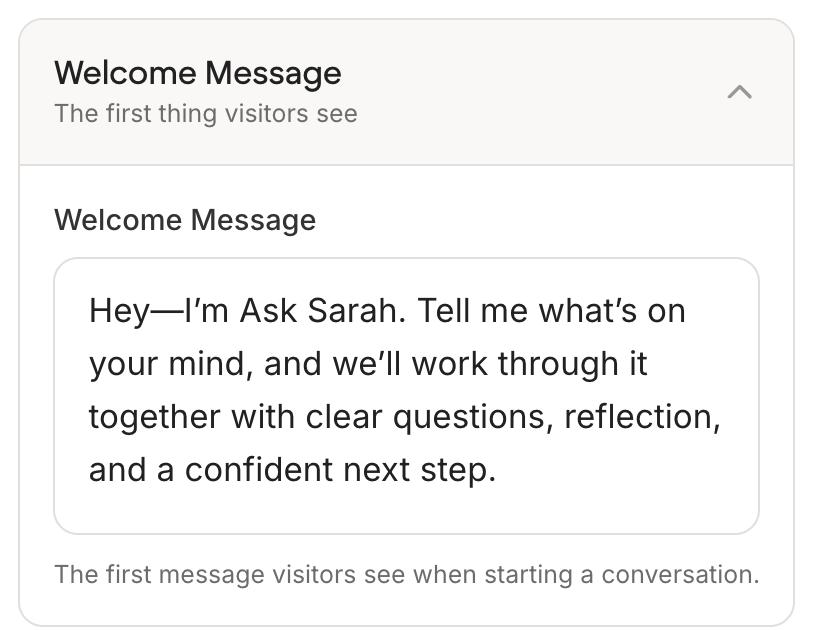
Be specific about what to ask
A blank invitation like "Hi, how can I help?" leaves people staring at an empty box. Naming two or three things you can help with gets a much higher reply rate.
Weak: "Hello! How can I help you today?"
Strong: "Hi, I am Sarah's AI. Ask me about pricing your services, handling a difficult client, or whether her group programme is right for you."
Say what you are
People work out that they are talking to an AI within a message or two. Saying so up front costs nothing and buys trust. It also avoids the awkward moment where someone thinks they have your personal attention.
Keep it short
Two sentences. Anything longer gets skimmed, and a long greeting on a phone pushes the input box off the screen.