
The page for a single clone
Where your link, QR code, embed code and settings summary all live.
Click Manage on any clone from AI Clones and you land on that clone's own page. This is the screen you will come back to most, and it is where everything about one clone sits together.
The four figures at the top

Conversation Rate is the share of conversations that produced a contact. It only means anything if you have email capture switched on, so ignore it if you have not.
Sharing it
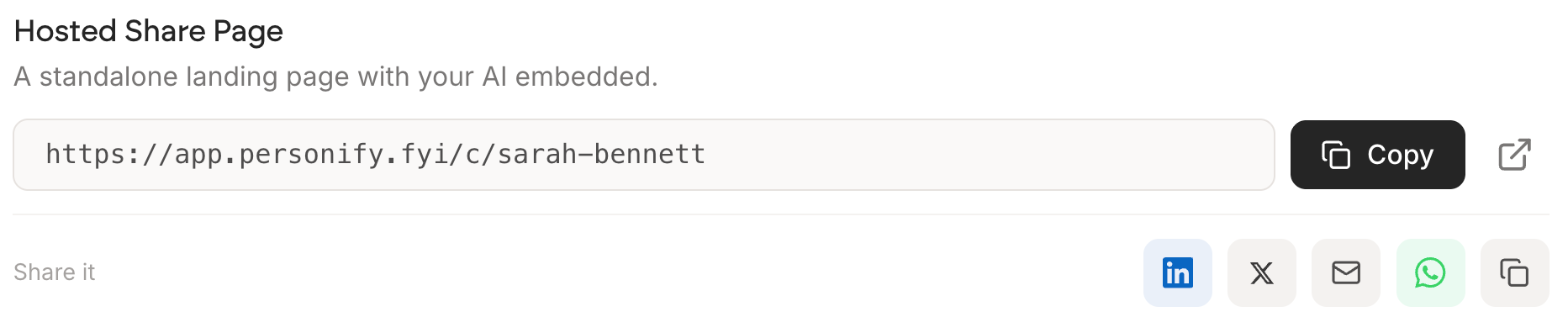
Your link with a Copy button, and an arrow to open the page as a visitor sees it. Worth doing occasionally, because the page you design and the page people arrive at are easy to drift apart in your head.
The row of icons posts it straight to LinkedIn, X, email or WhatsApp.
The QR code
Download it as an image or Copy image straight to your clipboard. Put it on a closing slide, a business card or a PDF, and people scan it and are chatting in seconds with nothing to type.
If you speak anywhere at all, this is the least effort for the most conversations of anything in the product. A code on your last slide turns a room into chats.
The settings summary
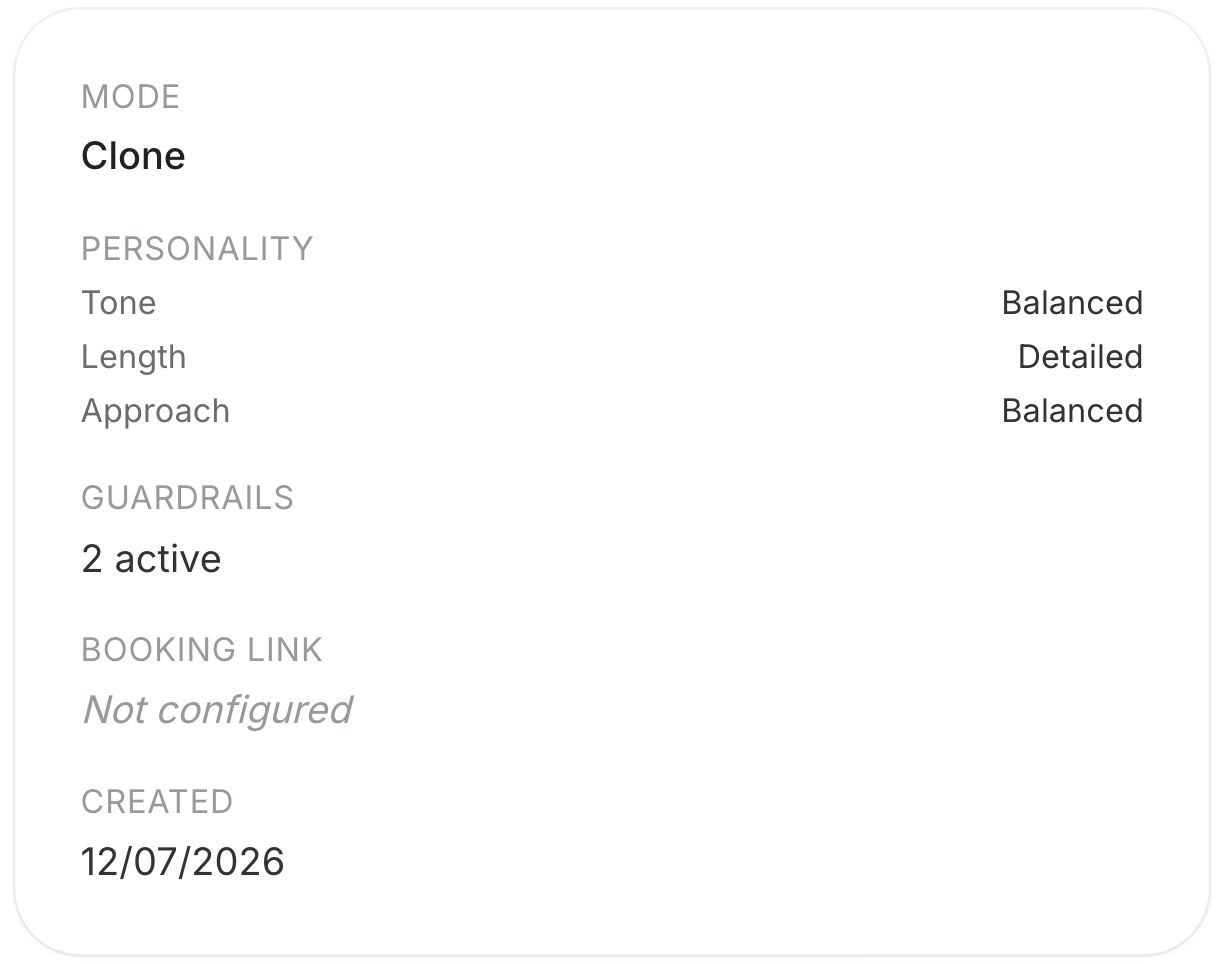
A read-only summary of how this clone is set up: its mode, its personality settings, how many guardrails are active, and whether a booking link is configured. Change any of it with Edit at the top of the page, which reopens the wizard.
Its knowledge
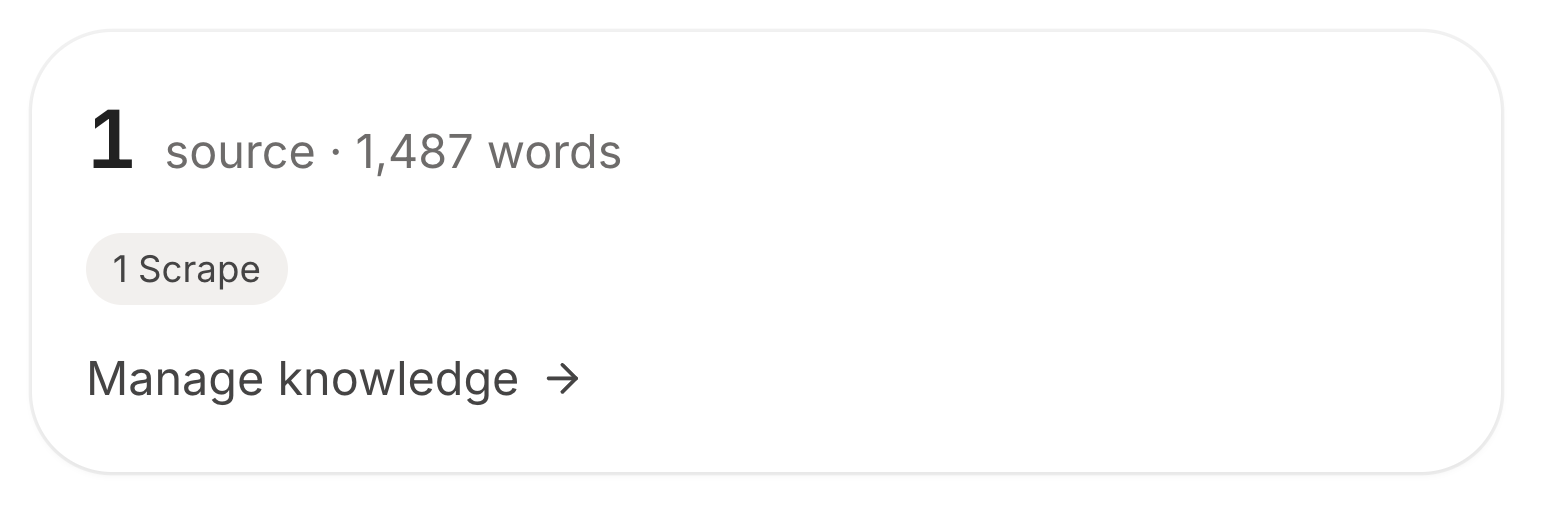
How many sources this clone has, how many words that comes to, and what types they are. Manage knowledge takes you into the Knowledge step to add or remove material.
A word count in the low hundreds means your clone has almost nothing to work from and will answer generically no matter how well you wrote its personality. That is the number to grow first.
Embedding it
Further down the page, the popup widget and the other embed options for putting this clone on your own website.