
The full wizard, step by step
The longer route, for when you want to write every setting yourself.
The wizard is the longer of the two routes. Take it when you already know how your clone should sound and want to write every field yourself. If you have not built one before, Make your first clone is faster and gets you to the same place.
Nothing is public until you press Launch AI Clone on the last screen, and you can stop after any step and come back.
Your progress is saved as you go. If you close the tab halfway through, going back to Create AI Clone picks up where you left off rather than starting again.
Step 1: Start the wizard

Click Create AI Clone at the top of the sidebar.
- A seven-step guided tour opens the first time
- Skip it if you would rather explore, and bring it back later with Take a Tour
Step 2: Pick a template
Choose the one closest to your work.
- The template sets your starting guardrails and some defaults
- It locks nothing, and every setting can be changed later
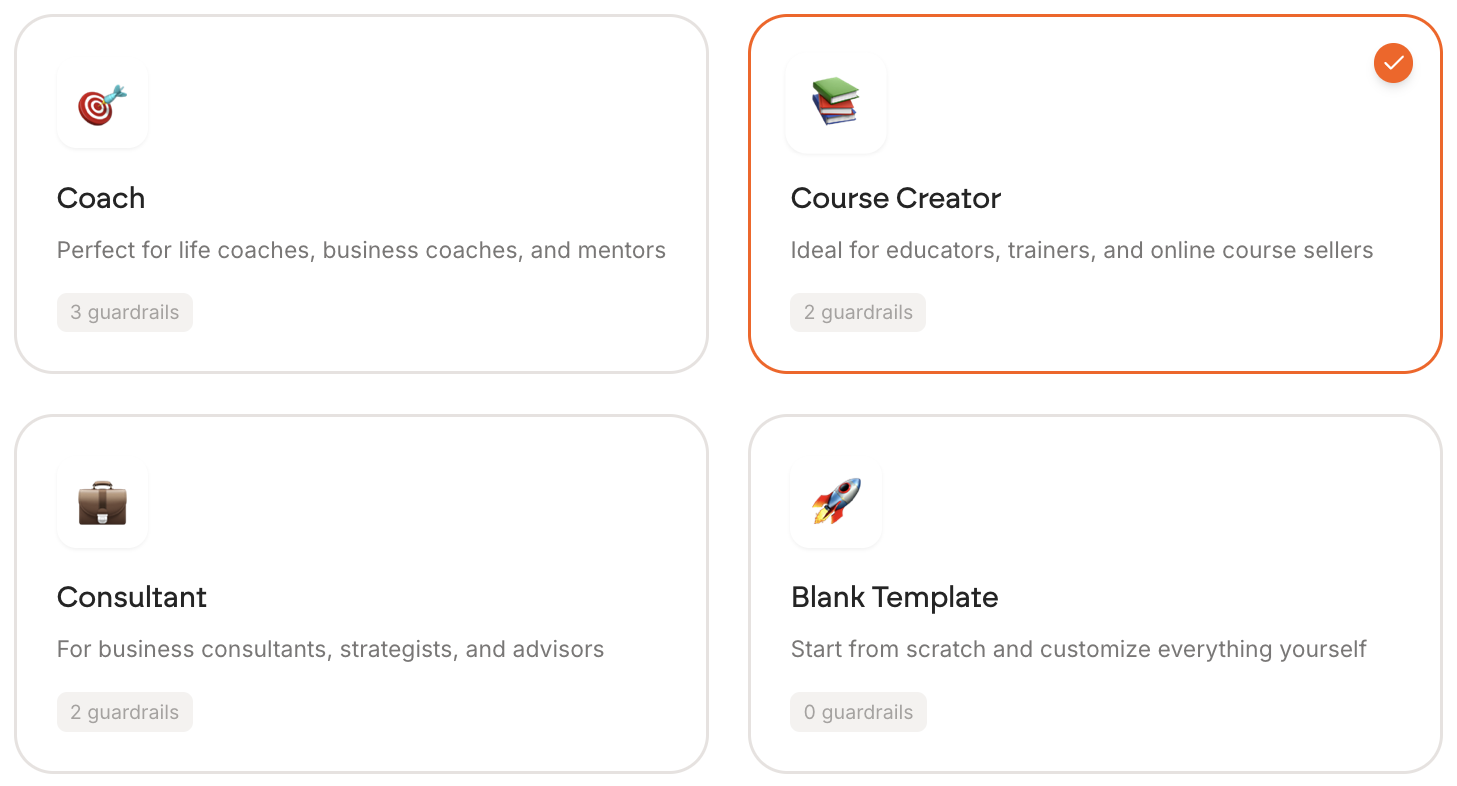
| Template | Built for | Guardrails |
|---|---|---|
| Coach | Life, business and mindset coaches, mentors | 3 |
| Course Creator | Educators, trainers, course sellers | 2 |
| Consultant | Consultants, strategists, advisors | 2 |
| Blank Template | Starting from scratch | 0 |
Step 3: Make it sound like you
Fill in the two fields on the Personality step.
- Who you are is your professional summary
- Your personality and tone of voice is how you actually talk, and it decides whether your clone sounds like you or like a chatbot
Further guidance: Writing your tone of voice
A live preview on the right updates as you type.
Write the phrases you actually repeat, not adjectives. "Friendly and professional" describes every chatbot ever made. See Writing your tone of voice.
Step 4: Teach it what you know
Add what you know. There are seven ways, each a tile at the top of the step.
- Start with Q&A: the questions you are actually asked, answered in your own words
- Then add your framework, recorded calls and documents
Further guidance: What to feed your clone first

You can skip this step, but a clone with no material answers from general knowledge instead of from you, which is rarely what you want.
Ten Q&A answers is enough to get started. You do not need a finished library before your clone is worth showing to someone.
Step 5: Set your boundaries

Leave Only answer from my material switched on.
- It stops your clone answering from general knowledge
- So it cannot put words in your mouth
Further guidance: Setting guardrails
Step 6: Look, feel and go live
Work through the four tabs on the last step, left to right.
- Design sets the look
- Visitors sets what you collect from people who chat
- Share gives you your link
- Your site gives you the embed code

Your clone gets a URL like app.personify.fyi/c/your-slug. Press Launch AI Clone when you are ready.
Before you send that link to anyone, go to Test Arena and ask your clone the ten questions you get asked most. Practice sessions are free and corrections stick.