
Invoices, cards and failed payments
Where the billing controls actually live.
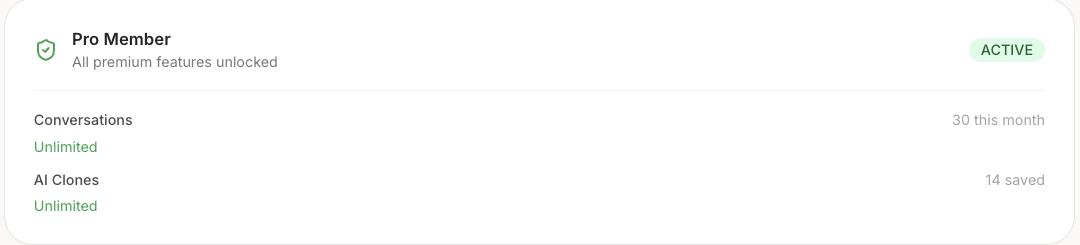
The Billing page in Personify shows your plan, whether it is active, and what you have used this month.
Everything else is in the Stripe portal
If you pay by card, a Manage button sits next to the ACTIVE badge. It opens Stripe's billing portal, and that is where the actual controls are:
- Your invoices and receipts
- Changing the card on file
- Your renewal date
- Cancelling
Receipts are also emailed to you each time a payment goes through.
No Manage button? That means there is no card on your account, which is normal on the free plan and on comped accounts. Nothing is wrong.
A failed payment
You will be emailed. Your account stays on Pro for a short grace period while Stripe retries. Updating your card through Manage resolves it with nothing else to do.
If an upgrade looks like it did not work, check your plan on this page before paying again. Paying twice is the most common billing problem we see, and it is avoidable.