
Your account settings
Name, email, notifications, password, and closing your account.
Settings in the sidebar holds everything about your account rather than your clones. Four tabs down the left.
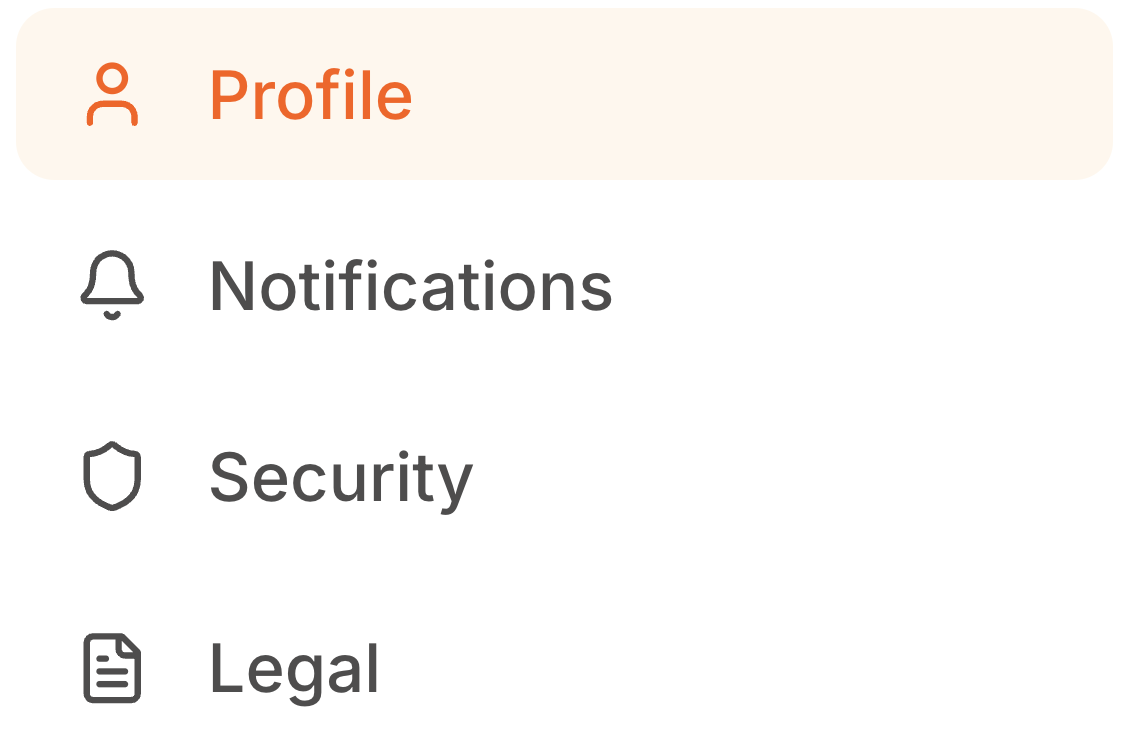
Profile
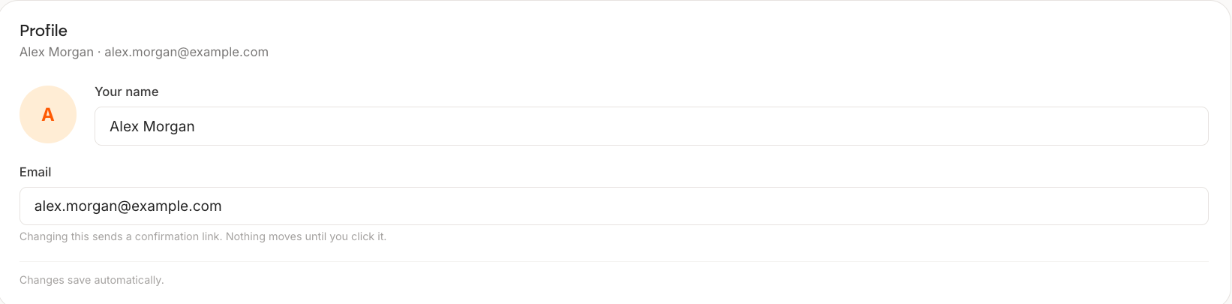
Your name and email. The name is what appears in the app, not what your visitors see. Your visitors see the clone name you set on the Deploy step.
Changing your email sends a confirmation link to the new address. Nothing moves until you click it, so if the link never arrives, check spam before assuming the change went through. Your old address stays active until it does.
Notifications
What Personify emails you about, including when someone has a conversation with your clone.
Leave the first-conversation notification on while you are getting started. Finding out that a real person used your clone is the thing that makes people come back and improve it.
Security
Password and sign-in. If you signed up with Google and now want a password as well, this is where to set one.
Legal
Terms and privacy documents for your account.
Closing your account
At the bottom of Profile. Email personify@deepquery.dev and your account is closed and your data deleted within 30 days, as set out in the privacy policy.
Worth knowing that closing the account deletes your clones, your knowledge and your conversation history. If you only want to stop paying, cancel from Billing instead and drop back to the free plan, which keeps everything.