
Designing your share page
Layout, theme and the parts worth your time.
The Design tab on the Deploy step controls what visitors see. A live preview sits beside it and updates as you type.
Pick a layout
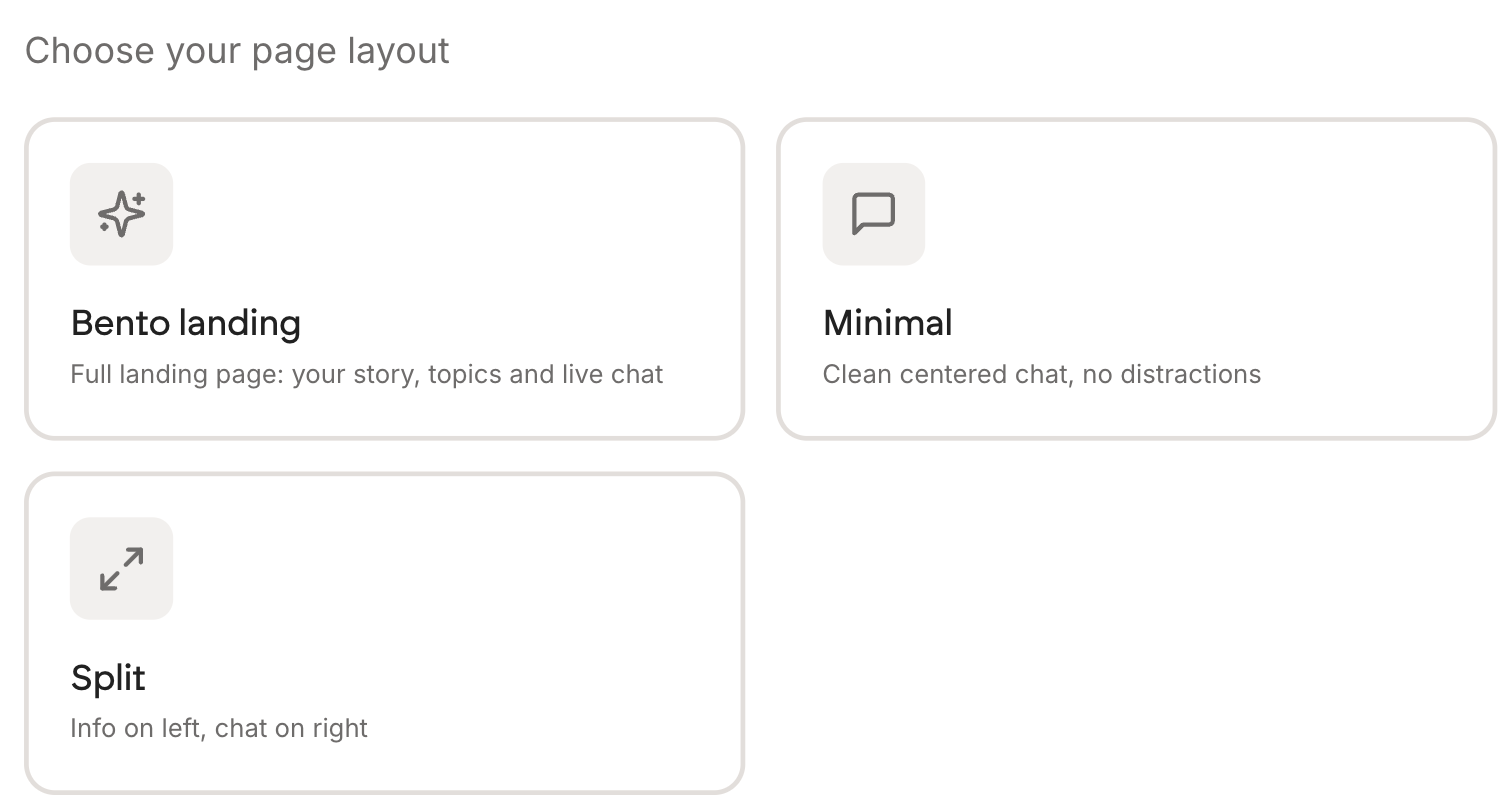
| Layout | What it is | Best for |
|---|---|---|
| Bento landing | Full landing page: your story, topics and live chat | Most people. It gives visitors context before they type |
| Minimal | Clean centred chat, no distractions | Sending people who already know who you are |
| Split | Info on the left, chat on the right | When your background does the selling |
Pick a theme
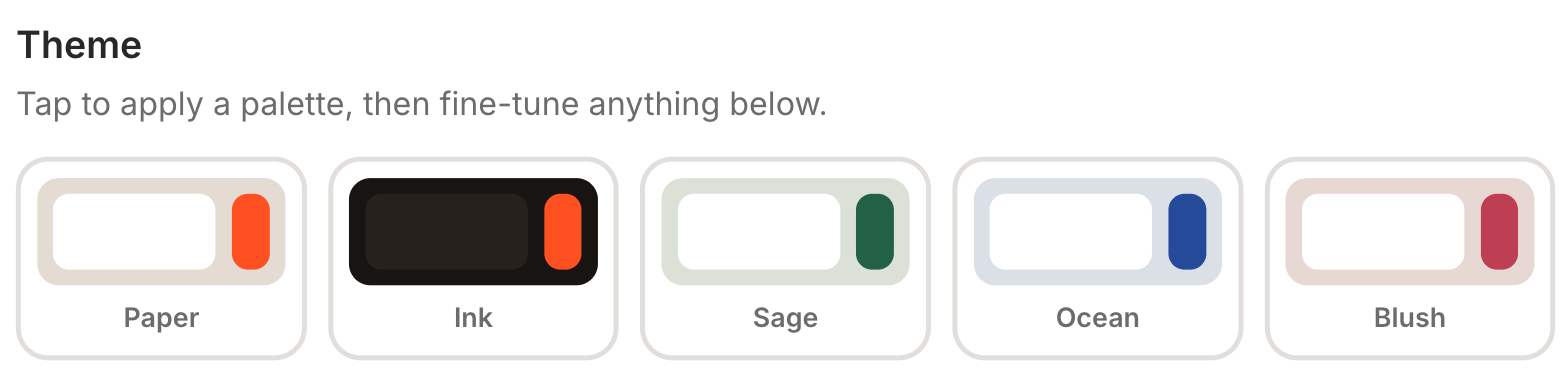
Five palettes: Paper, Ink, Sage, Ocean and Blush. They are curated so you cannot end up with unreadable text, which is the usual result of a free colour picker.
Fill it from your website
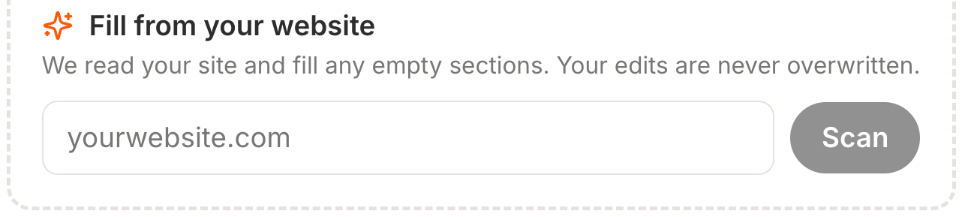
Paste your website address and press Scan. Personify reads your site and fills any sections you have left empty. Anything you have already written is left alone.
Do this first, then edit. Starting from your own words is faster than starting from a blank page, and you can overwrite anything you do not like.
What is worth your time
The avatar, the name and the greeting decide whether someone sends a first message. The headline sections decide whether they trust you enough to bother.
Colours and layout change how it looks and very little else. Spend ten minutes, not two hours.
Branding
Free pages carry a small Personify credit. Pro removes it.