
The short answer
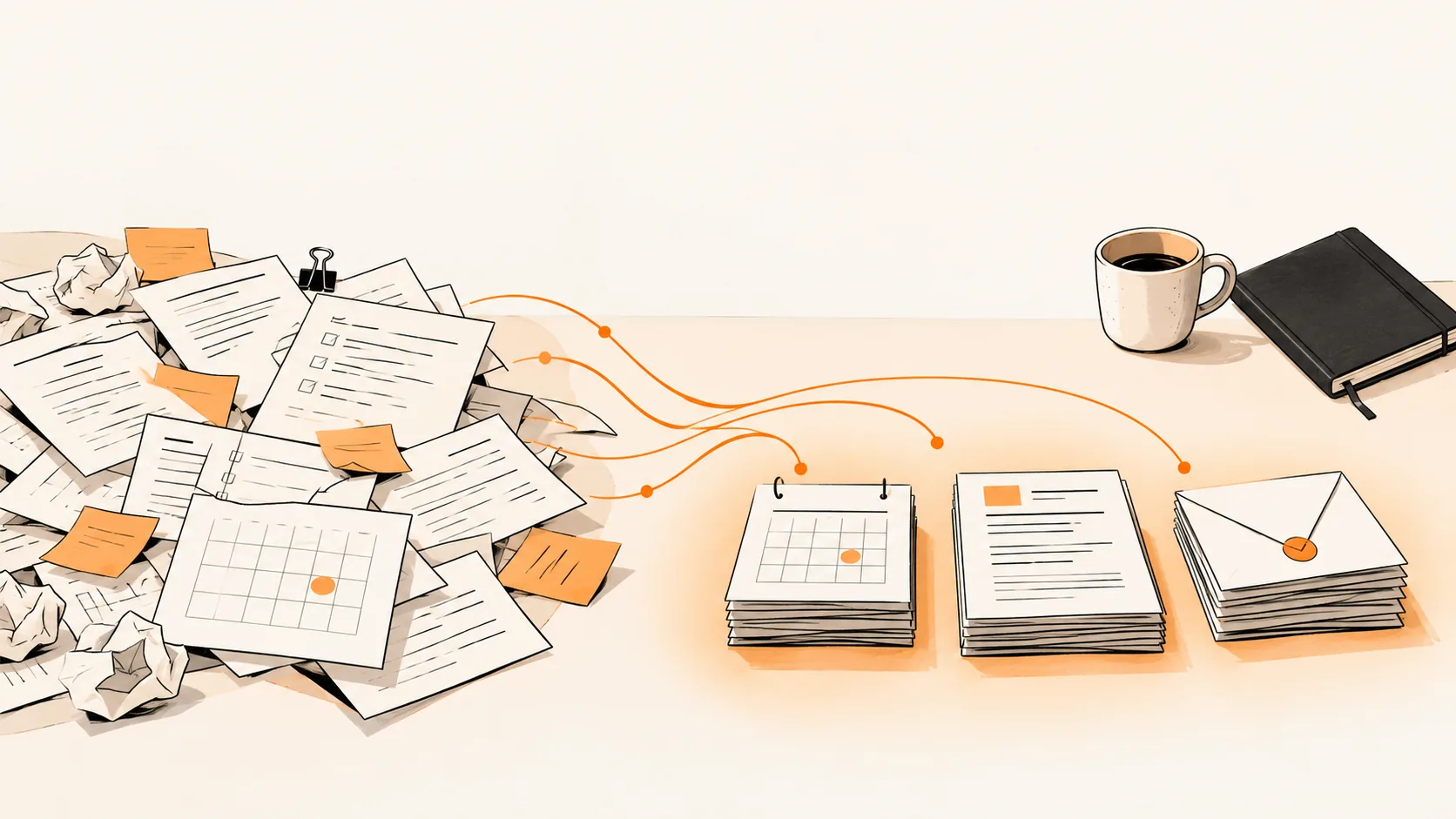
Automate in three layers: the admin around coaching, the preparation for coaching, and the support clients need between sessions. Keep the sessions and the judgement calls for yourself. Here is what a week looks like once that is done.
Mon
Tue
Wed
Thu
Fri
Automate the repetition, keep the relationship.
The three layers
Each layer builds on the one before. Most coaches stop after the first.
01
Admin
Booking, payments, contracts, reminders, intake forms.
Standard tools you likely already pay for.
02
Preparation
Session plans, recaps, homework, progress reviews.
A general AI model plus your saved prompts. AI drafts, you edit.
03
Between sessions
Answers to client questions, in your methodology, at any hour.
An AI clone trained on your own content.
Automating client onboarding
The first week sets the tone. It is also the most repetitive week you run.
Every new client needs the same things: a contract, a payment, a booking, a questionnaire and a welcome. Wire them together once and a single payment does the rest.
01
Client pays
Your checkout or invoice tool fires everything below.
02
Contract sent
Signed online, filed automatically.
03
Intake form
Goals, history, what they have tried.
04
AI writes the brief
One page you read before session one.
05
Self-serve booking
Availability plus reminders, no email ping-pong.
06
Welcome sequence
Three or four emails over week one.
Step four is the one most coaches skip. Paste the intake answers into an AI model with a prompt like "Summarise this intake into a one-page brief: goals, obstacles, patterns, questions to ask in session one." You read a page instead of a form, and your first session starts deeper.
Session plans with AI
This is the coaching work itself, and it is where AI saves the most thinking time.
Admin tools cannot plan a session. A general AI model can draft one, if you give it three things: the client's context, what happened last time, and your own framework. Without your framework you get generic coaching. With it, you get a first draft in your method.
Client brief
From the intake form
- Goal
- Move from team lead to head of department within a year.
- Obstacle
- Avoids conflict, so feedback to the team stays vague.
- Tried
- Two leadership books, a feedback course last spring.
- Last session
- Named one conversation she keeps postponing.
Session 3 plan
Draft, for your review
- Opening question
- What happened with the conversation you named last time?
- Exercise
- Rehearse it using the four steps of your feedback model.
- Likely sticking point
- Softening the message until it says nothing.
- Homework
- Hold the conversation, then note one sentence you would keep.
The prompt behind it, ready to reuse
You are helping me prepare a coaching session.
My framework: [paste your model, stages or principles]
Client brief: [paste intake summary]
Notes from last session: [paste notes or transcript summary]
Goal for this session: [one sentence]

Draft a 60-minute session plan: opening check-in question,
2-3 core exercises from my framework, likely sticking points,
and one piece of homework. Use my terminology.
The same approach covers
Session summaries. From a call transcript: decisions, insights, action items and next steps, in your voice.
Homework and worksheets. Exercises adapted to the client's goal, built from the worksheets you already use.
Progress reviews. A month of notes condensed into what changed, what did not, and what to focus on next.
Follow-up emails. Written from the session summary, so clients get a recap the same day.
One rule: never send an AI draft to a client unread. The draft saves the blank-page time. Your review is what makes it coaching.
Support between sessions
Clients get stuck on a Tuesday night, not during their booked hour.
Between sessions, clients ask the same questions over and over. Answering each one eats your evenings; not answering stalls their progress. A clone of your expertise, trained on your own videos, documents and frameworks, answers in your methodology instead of generic advice, and stays inside the guardrails you set.
No medical advice guardrail
Answers from your material. With Only answer from my material switched on, it does not fill gaps from general knowledge.
Sounds like you. Your terms, your tone, your do's and don'ts.
Stays in its lane. One-click presets for no medical, legal or financial advice, plus topics you choose to decline.
Lives where clients are. Inside your course platform or community.
If you want to try this, Personify lets you build an AI clone from your own content and embed it into most course platforms and communities. There is a free tier, so you can test it on one program first.
What to automate, and what not
A simple rule: the closer a task is to the relationship, the more human it stays.
| Task | Automate fully | AI drafts, you review | Keep human |
|---|---|---|---|
| Booking, rescheduling and reminders | |||
| Payments, invoices and contracts | |||
| Intake forms and welcome emails | |||
| Turning intake into a coaching brief | |||
| Session plans and homework sheets | |||
| Session summaries and follow-up emails | |||
| Progress reviews | |||
| Common client questions between sessions | |||
| The coaching session itself | |||
| Hard conversations: setbacks, conflict, grief | |||
| Anything about a client's safety | |||
| Deciding whether a prospect is a fit |
Automation should buy you more time for the right-hand column, never replace it. Presence, listening and the question that lands at the right moment are why clients hire a coach. If a client may be at risk, that conversation belongs with you, and then with the right professional.
A 30-day rollout
One layer a week. Each week stands on its own if you stop there.
Week 1
Admin
Connect payment, contract and booking so one payment starts the sequence. Add reminders.
Week 2
Onboarding
Write one intake form and a four-email welcome sequence. Save your intake-to-brief prompt.
Week 3
Session prep
Build prompt templates for session plans, recaps and homework. Use them on every client this week.
Week 4
Between sessions
Pilot an AI clone on one program. Read every conversation it has, then tighten its rules.
Why it pays off
What changes once the three layers run without you.
Scale without burning out. Your systems carry onboarding and follow-up, so your hours go to the sessions.
Personal at any size. Plans and answers draw on each client's brief, not a generic drip.
Better follow-through. Recaps the same day and nudges between sessions keep clients moving.
Less admin. No more chasing forms, rescheduling by email or rewriting the same welcome.
Support without being always on. Clients get answers at 10pm. You keep your evenings.
Your IP becomes an asset. Frameworks you once explained live become reusable templates and a trained clone.
Programs you can measure. Questions clients ask and where they stall tell you what to fix.
Momentum between sessions. Small check-ins and exercises turn a weekly hour into a weekly habit.
Consistency as you grow. Associate coaches work from the same briefs, templates and rules.
New ways to sell. Self-paced and hybrid programs run on the same systems as your 1:1 work.
For a deeper look at running group and 1:1 work side by side, read how to scale coaching without losing 1:1.
Frequently Asked Questions
Everything you need to know about automating your coaching business.
How can I automate my coaching business?+
Start by listing the tasks you repeat every week: intake, onboarding emails, scheduling, session prep, follow-up notes and answering the same client questions. Automate the admin first with forms, a scheduler and email sequences, then use AI to draft session plans and templates, and add an AI clone trained on your content to answer client questions between sessions. Keep the live sessions and the hard conversations human.
What parts of coaching can be automated with AI?+
AI can automate repetitive Q&A, onboarding and orientation, progress tracking and nudges, content recommendations, scheduling, and administrative tasks. The human coach focuses on complex strategy, emotional support, accountability, and transformation.
Will automating my coaching program hurt the client experience?+
No, it typically improves it. Clients get instant responses instead of waiting hours or days. AI provides consistent, accurate guidance based on your exact methodology. The key is using AI to augment your coaching, not replace it.
Can AI write session plans and coaching templates?+
Yes. Give an AI model the client's intake answers, your notes from the last session and your own framework, and it can draft a session plan, a homework sheet or a progress review in minutes. Treat the output as a first draft: read it, cut what does not fit the client, and add the judgement only you have.
How do I automate client onboarding?+
Use one intake form, one booking link and one welcome sequence that fires when a client pays. Then have AI turn the intake answers into a short coaching brief you read before the first call. Most coaches can set this up in an afternoon with tools they already pay for.
What should coaches not automate?+
Do not automate the coaching session itself, emotionally difficult conversations, anything involving a client's safety, or the final call on a client's plan. AI drafts and supports; you decide and you show up for the moments that matter.
Ready to automate your coaching program?
Build an AI version of yourself that handles the repetitive, always-on work while you focus on the human moments that matter. Free tier available, no credit card needed.